This allows you to define Householding, Bureau Selection, File Suppressions, Previous Order Suppressions, and Scheduled Counts (Triggers Only)
TABLE OF CONTENTS
Dedupe Records (Householding)
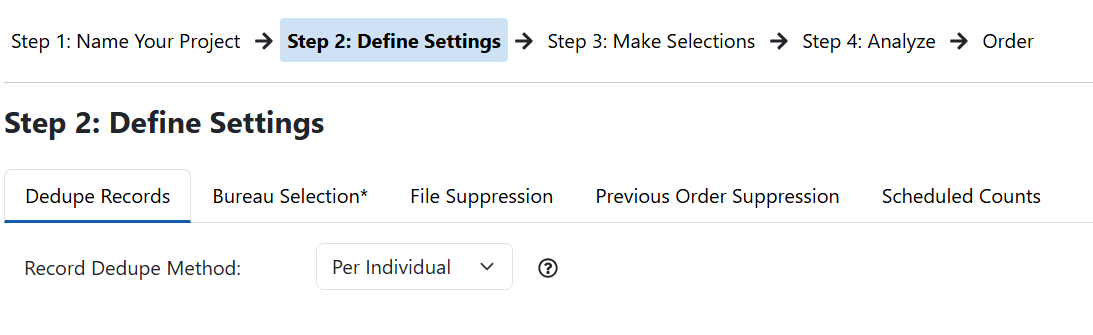
- Dedupe Records refers to the level at which records are limited. For the most restrictive results, select "Per Address"
- The selection chosen will also determine the level to use for your external and previous order suppressions
- Per Individual will only return 1 record for each exact match to First Name, Last Name, and Address
- Per Household will return 1 record for each exact match to Last Name
- Per Address will return 1 record for each exact match to Address
Bureau Selection
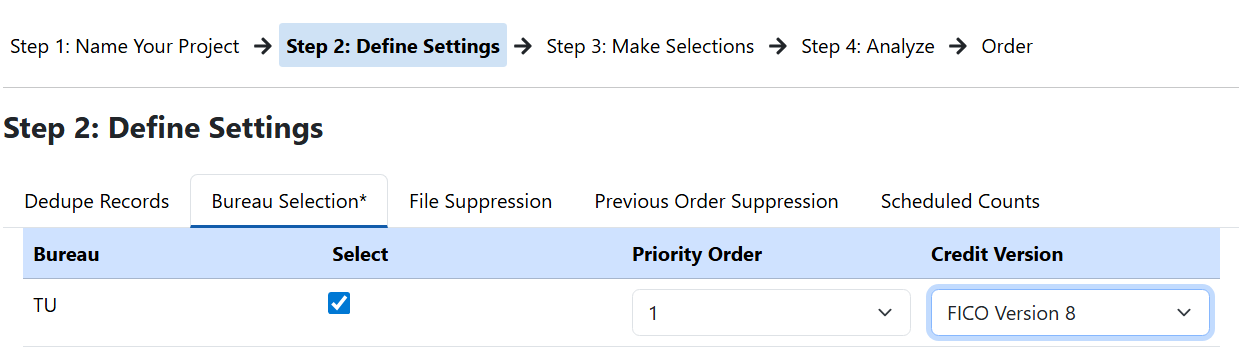
- Click the check box for the bureau you want to use. *Note, you will only see bureaus to which your account has approved access.
- Select the priority order. *Note, if only 1 bureau is approved this will default to 1.
- Select the Credit Version you want to use
- FICO Version 8
- FICO Version 9
- FICO Version 10
- FICO Version 8 Auto
- FICO Version 9 Auto
- FICO Version 10 Auto
- Vantage Version 3
- Vantage Version 4
File Suppression
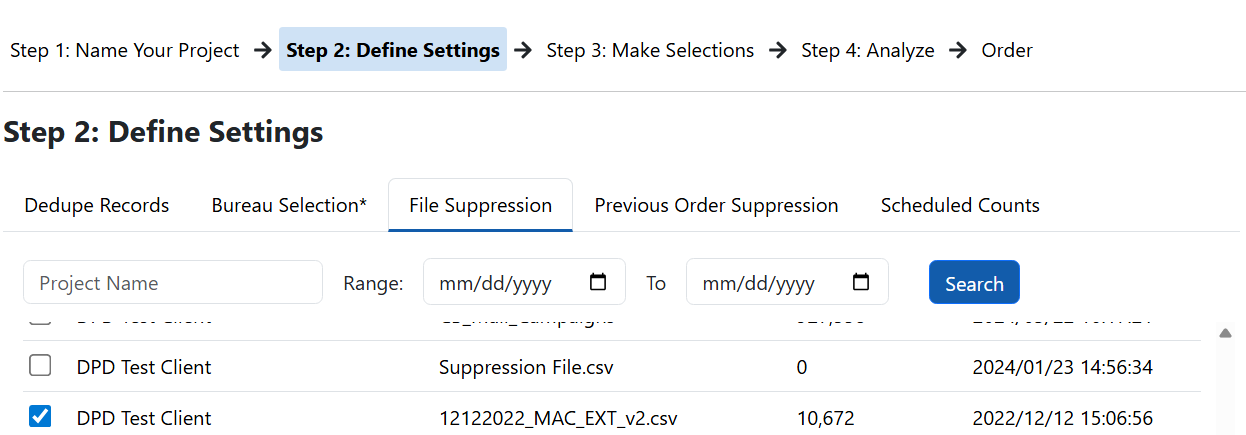
- This will allow you to select external files or orders placed outside of DPD Access to suppress from your count
- For a complete guide on File Suppression, refer to the article "Apply Suppressions"
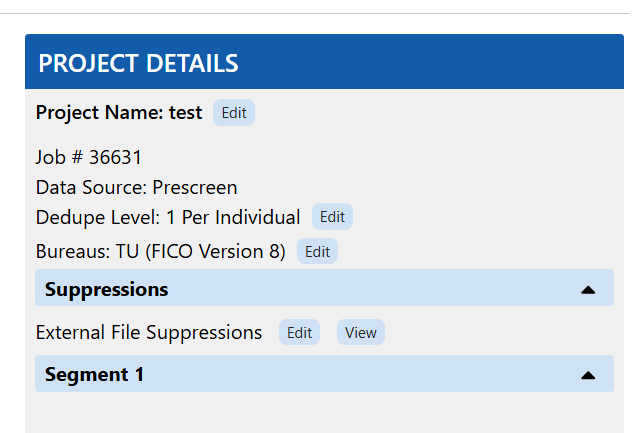
- Once you select a file to suppress, you will see it in the Project Details panel.
Previous Order Suppression
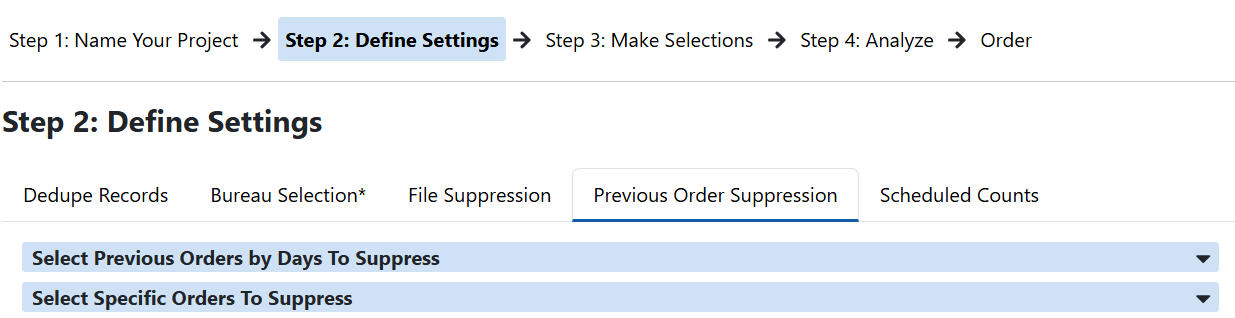
- This allows you to apply previous orders placed in DPD Access as suppressions for your count
- For a complete guide on Previous Order Suppression, refer to the article "Apply Suppressions"
Scheduled Counts
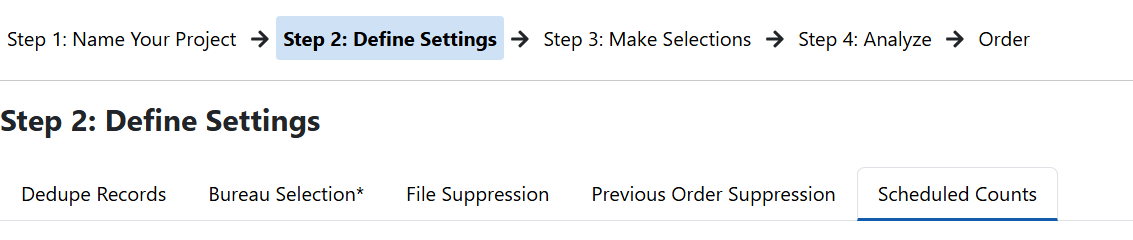
- You can schedule counts to run automatically.
- For triggers, this can be set to load when the file updates for the day. For prescreen counts, this can be set for a specific day.
- For a complete guide on how to schedule counts, refer to the article "Scheduled Counts and Auto Ordering"

Click "Next Step" to move on to the selection criteria
Was this article helpful?
That’s Great!
Thank you for your feedback
Sorry! We couldn't be helpful
Thank you for your feedback
Feedback sent
We appreciate your effort and will try to fix the article